Best Start
GIC Mockup Studio + 1000 Credits
38 USD Windows App + 1000 Mockup CreditsPerfect for new sellers. Includes the full program and 1000 credits as a gift.
Order NowProfessional desktop application for Print-on-Demand sellers. Drag, position, and export high-quality mockups for Etsy, Shopify and beyond — all offline, all yours.
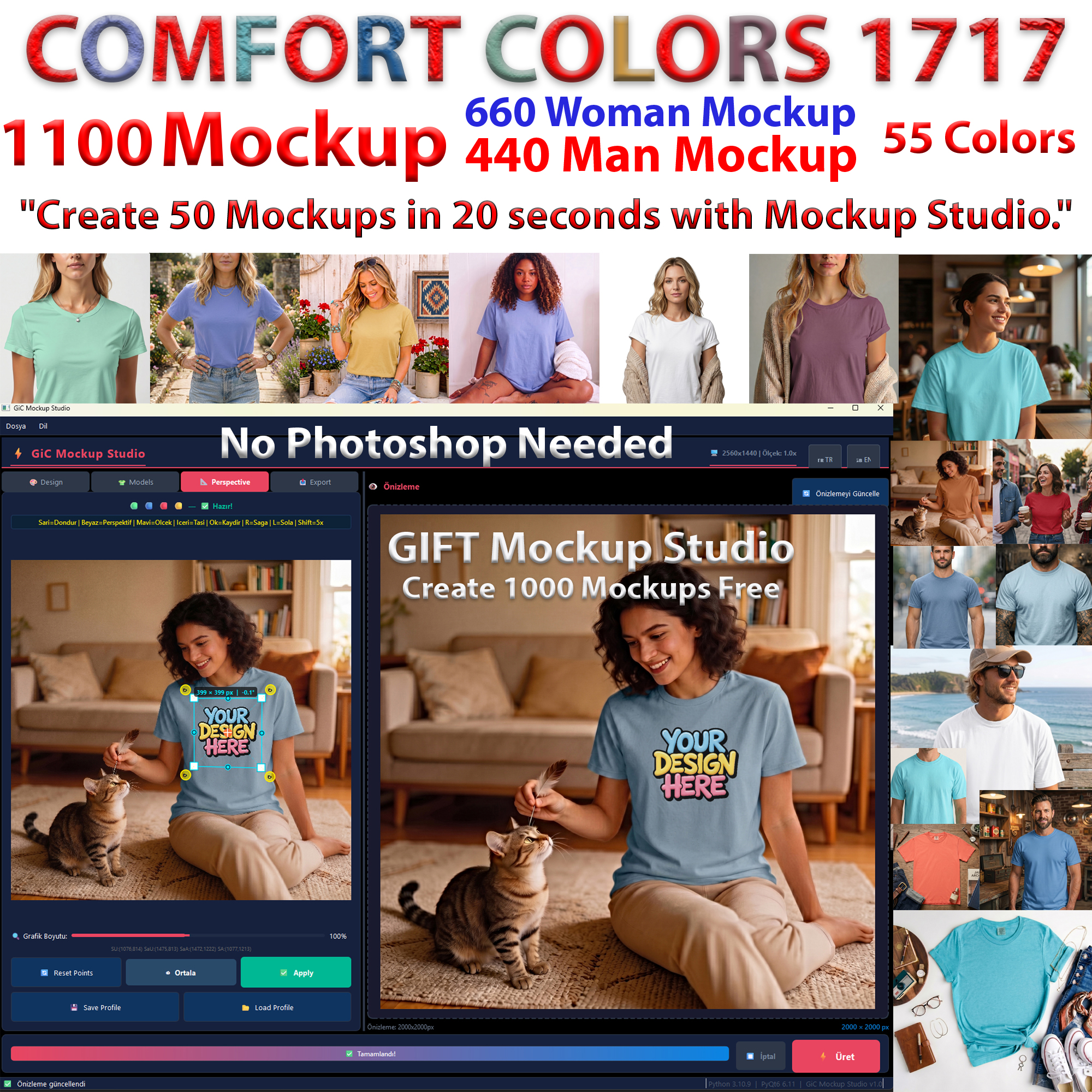
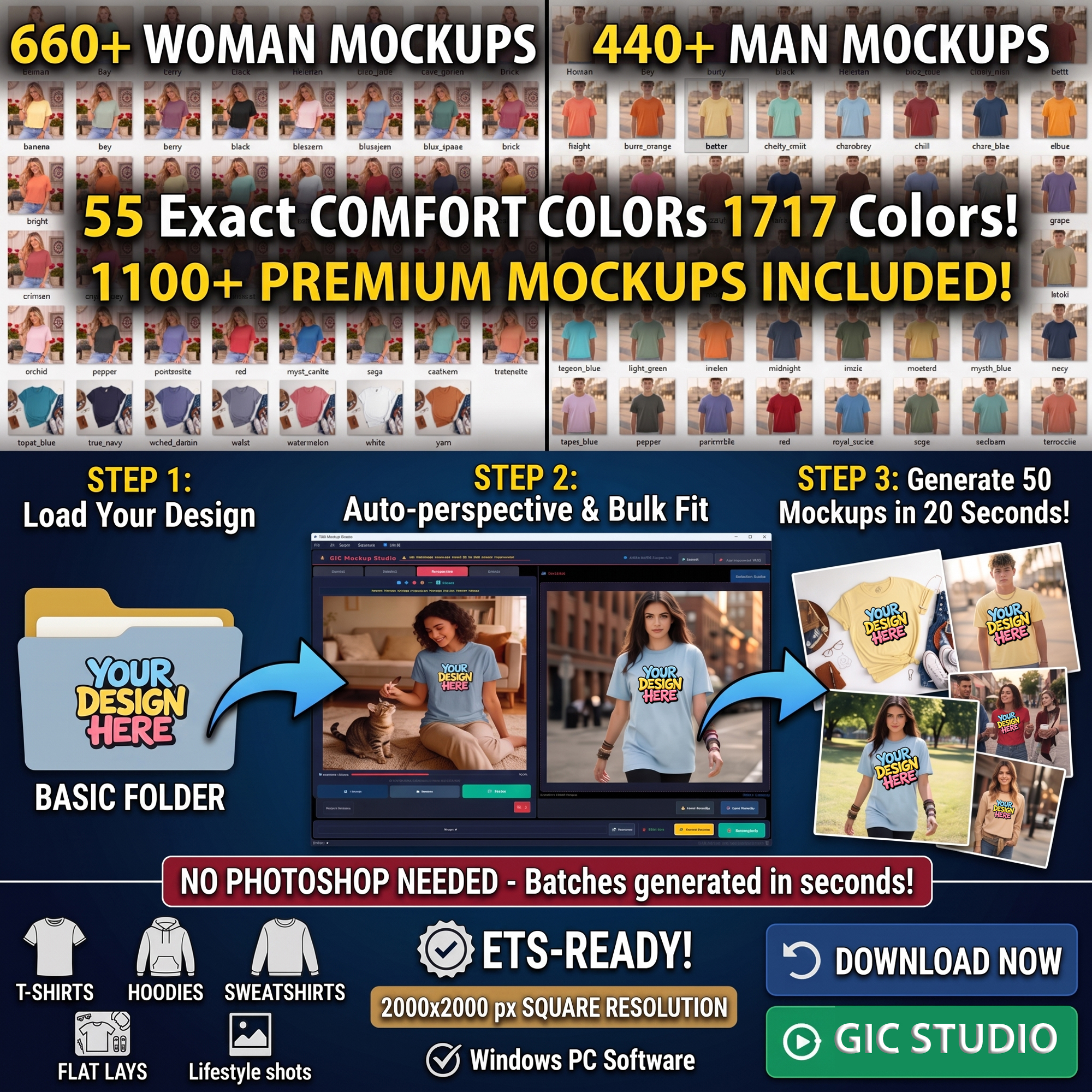
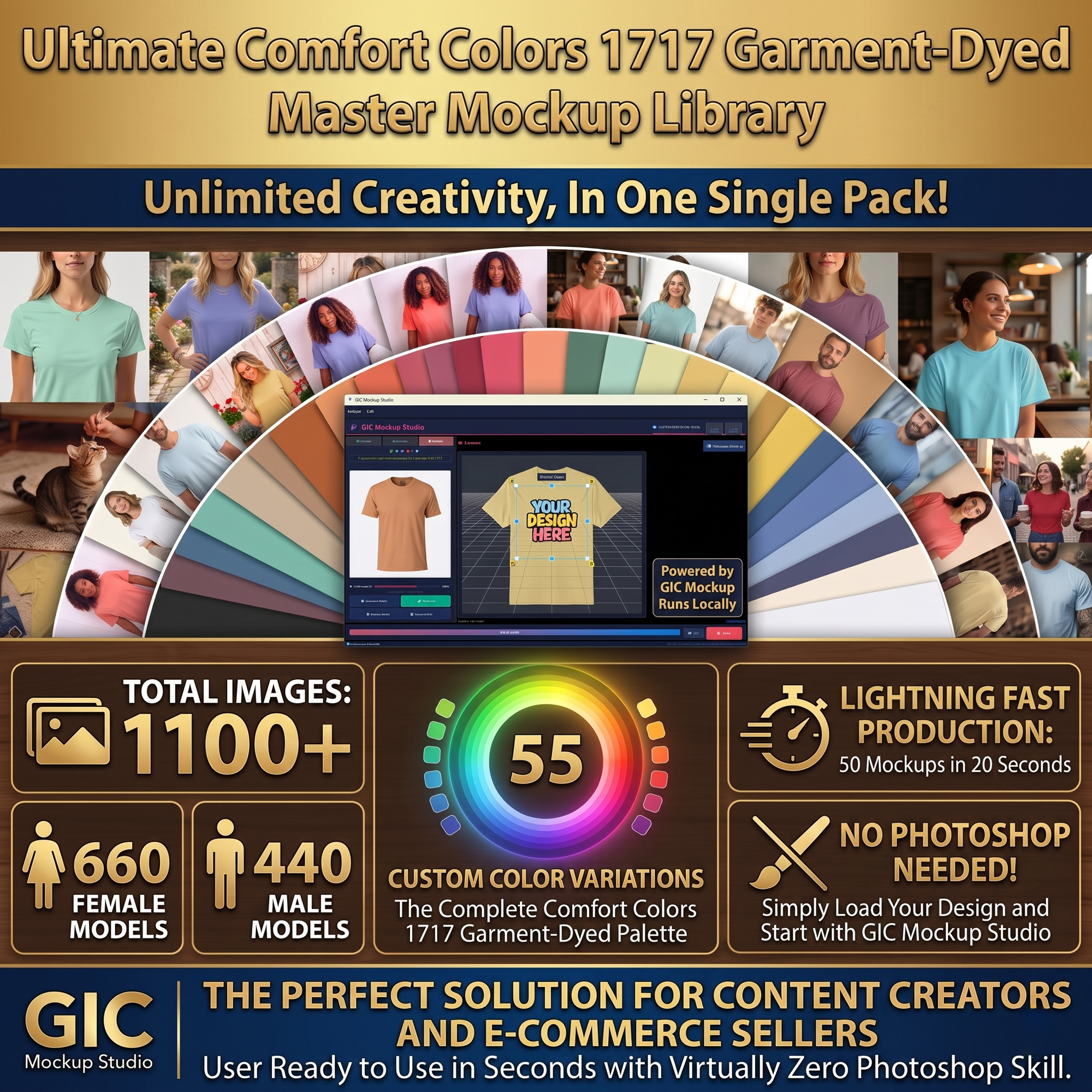
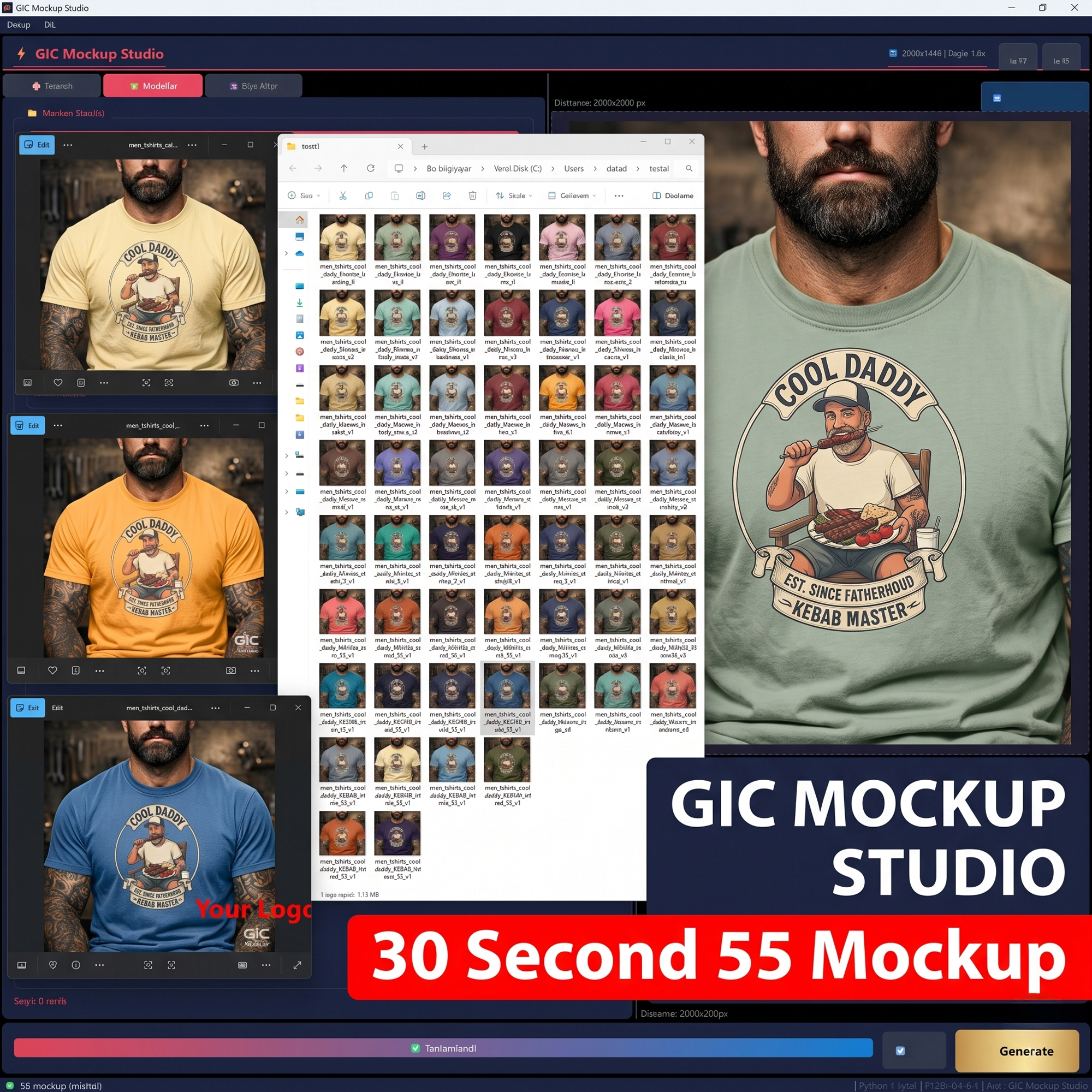
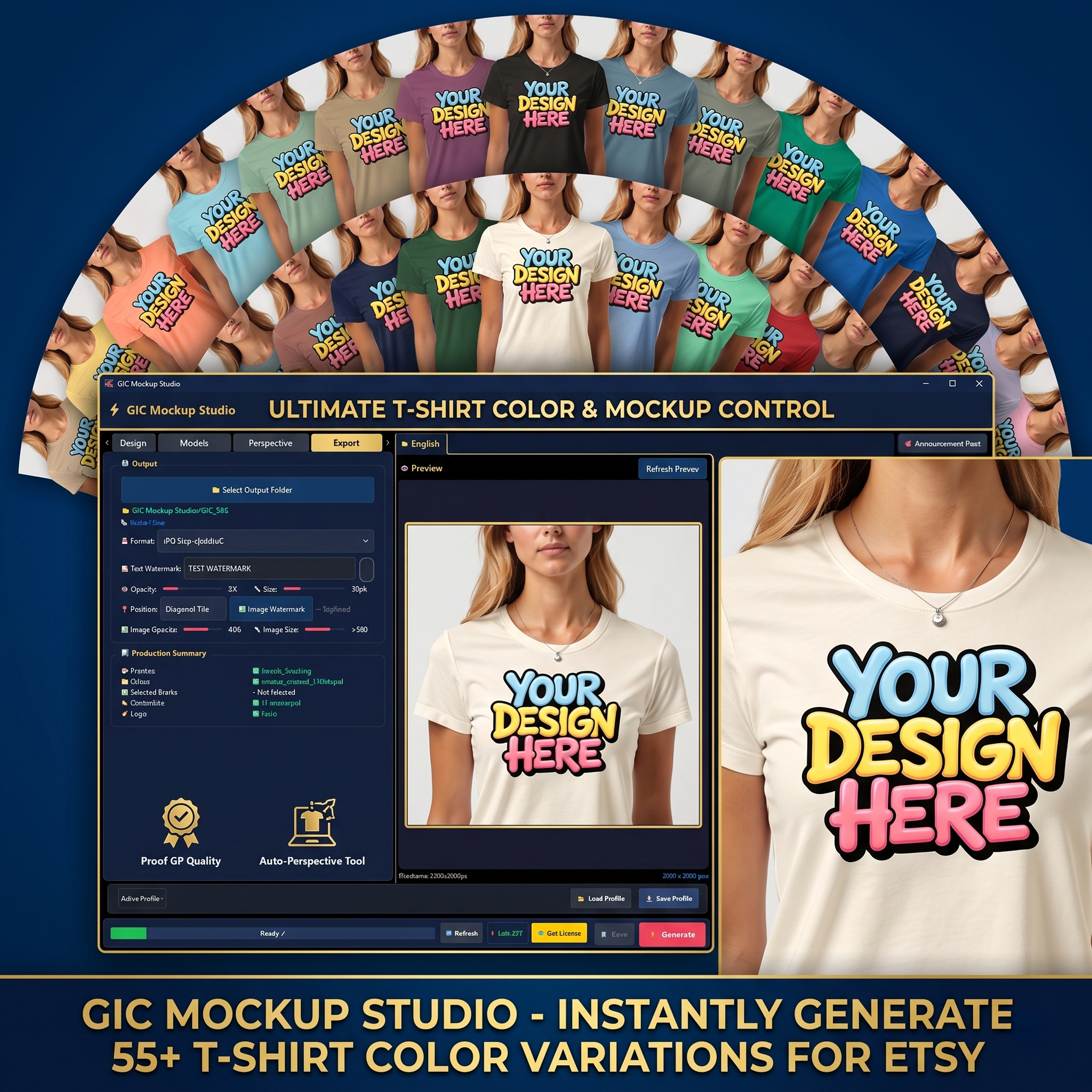
GIC Mockup Studio is a Windows program — not a static image pack — that turns your own designs into realistic, ready-to-sell product photos in seconds. No Photoshop, no design skills needed.
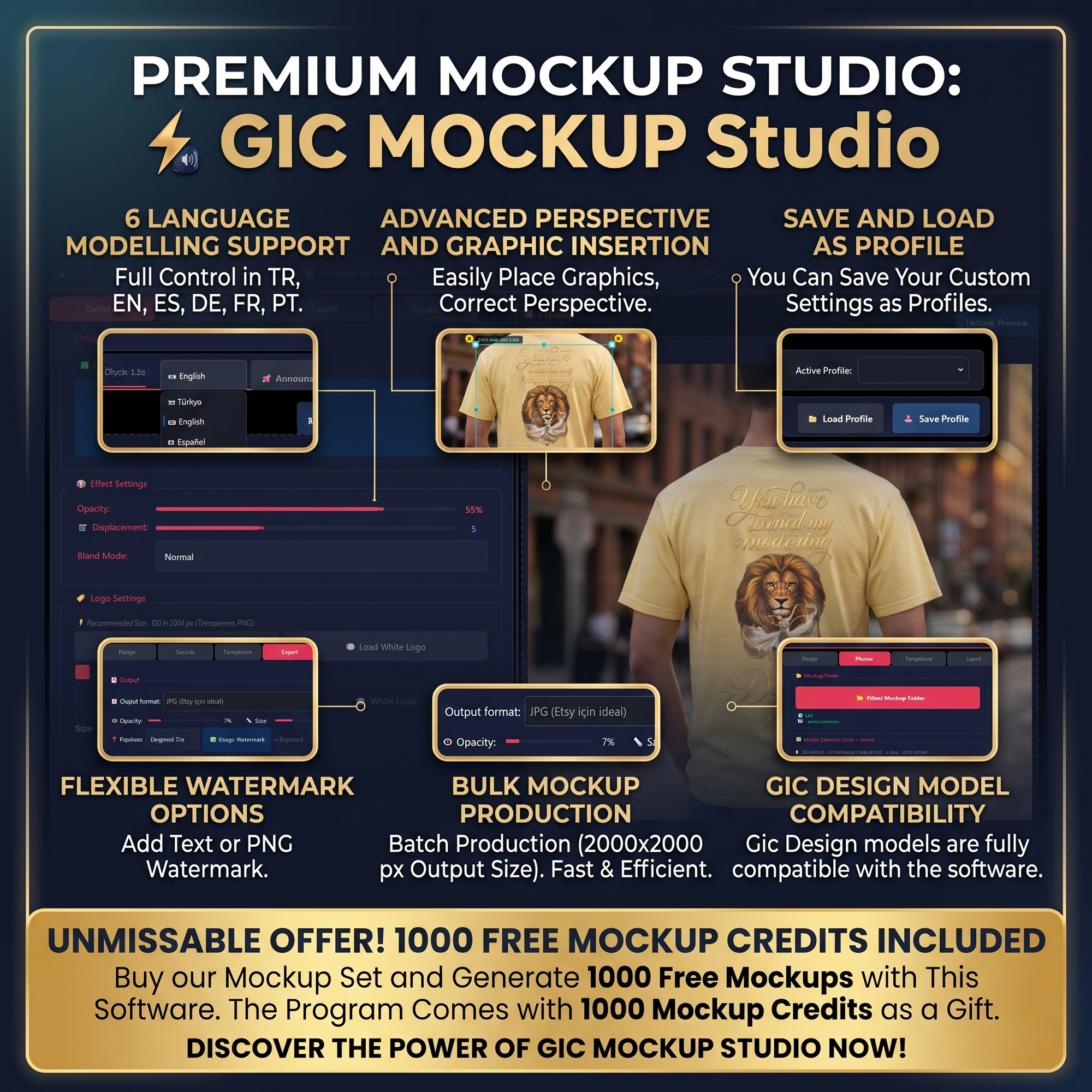
✅ Upload PNG/JPG designs instantly
📐 Drag 4-point perspective control
🖼️ Realistic fabric blending effects
💾 Save & reuse perspective profiles
✅ Auto black/white logo detection
🖋️ Upload your own brand logos
💧 Custom text & image watermarks
🎯 Full position & opacity control
✅ Batch process multiple models
📁 Auto file naming by product/color
📤 Export as PNG or optimized JPG
🔒 100% offline — files never leave your PC
Create 55 T-Shirt mockups in just 20 seconds — no Photoshop needed.
One-time payments. No monthly subscriptions.
Perfect for new sellers. Includes the full program and 1000 credits as a gift.
Order NowFor regular users who need more mockup generations.
Order NowMost popular credit package for active Etsy & Shopify sellers.
Order NowOne-time payment for lifetime access. No credit limits.
Order NowIncludes lifetime updates for the major version purchased.
All sales are final for digital products.
Open the full usage guide in your preferred language.
No. GIC Mockup Studio lets you create professional product mockups directly inside the desktop app without using Photoshop.
You can upload your main design as PNG or JPG by dragging it into the design area or selecting it with the upload button.
Yes. You can adjust opacity, displacement, blend mode and other effect settings to make the artwork blend naturally with the fabric texture.
Yes. The software can automatically choose a black or white logo depending on the design, and you can also upload your own custom brand logos.
In the Models tab, you can select the folder that contains your mockup images. Then you can choose the images you want to use for production.
In the Perspective tab, you can drag the four red corner points to position the design correctly on the model. You can also scale and center the design.
Yes. You can save your perspective, effect and watermark settings as a profile and load the same profile later for different designs.
For best results, yes. Mockup images inside the selected folder should have the same resolution and alignment so that the perspective profile works correctly.
Yes. You can add text or image watermarks, adjust their position, opacity, color and size to protect your product visuals.
You can export your mockups as high-quality PNG files or optimized JPG files suitable for Etsy and other online marketplaces.
Yes. During production, you can enter your product name and arrange colors. The system automatically names and exports your mockup files.
You can see your remaining production credits in the bottom bar. Credits are used when generating mockups. A PRO license can be activated for unlimited production if available.
Please review our refund and delivery terms before purchasing.
All products sold on this website are digital products. Due to the nature of digital goods, all sales are final and refunds are not accepted once the order is completed or the product/license has been delivered.
Products with automatic download access are delivered immediately after successful payment. License keys, credit packages or manually processed digital deliveries are delivered within 6 hours after payment confirmation.
By completing your purchase, you acknowledge that you are buying a digital product or digital license and that no physical item will be shipped.